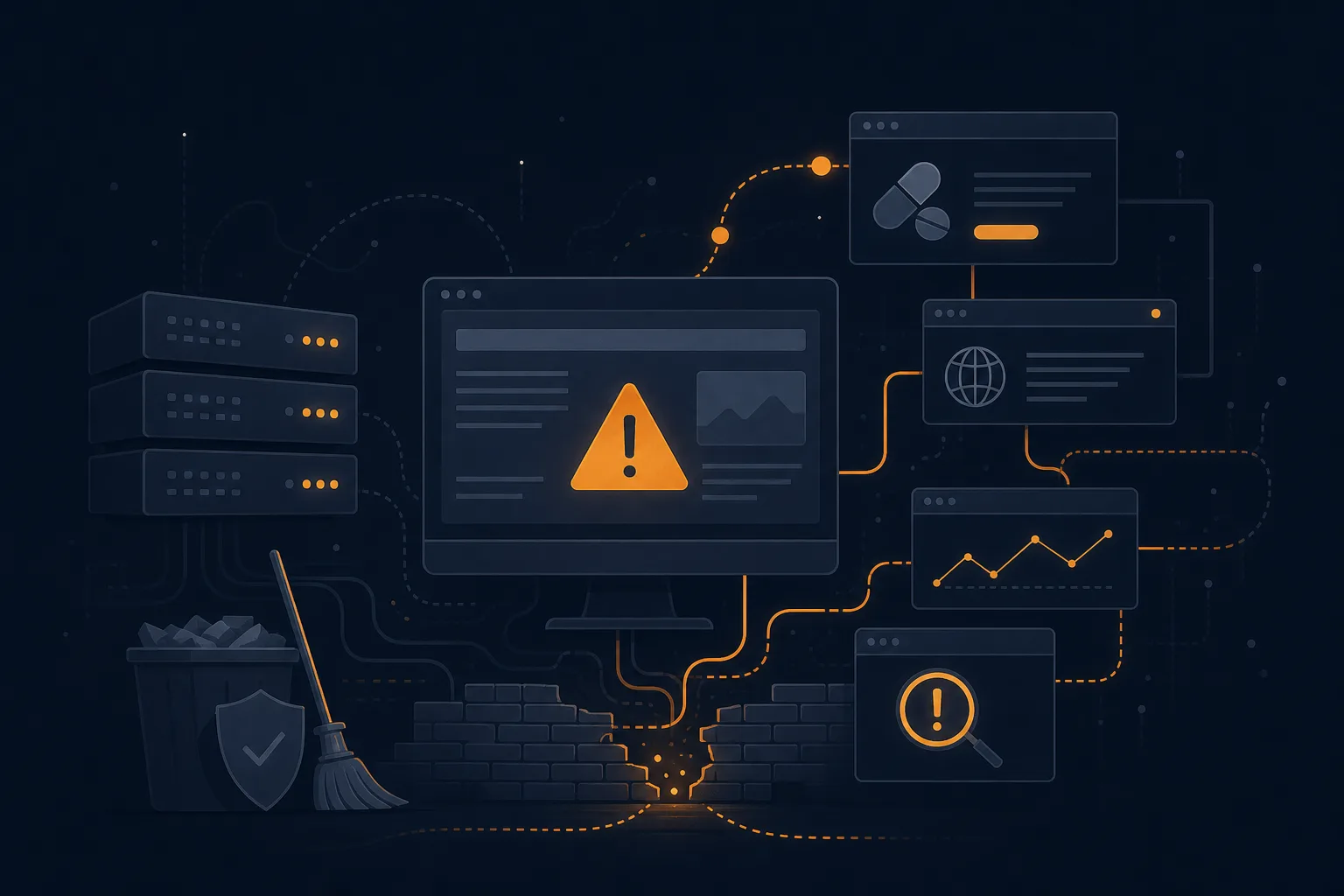
Why your WordPress site keeps getting hacked
You cleaned the malware last month. Reset the passwords, deleted the spammy posts, maybe paid someone $80 on Fiverr to scan the files. The site was fine for two weeks. Now the redirect to the sketchy pharmacy page is back, Google is flagging you again, and you are staring at the same mess wondering what you did wrong.
Probably nothing during the cleanup. The problem is that removing the symptom is not the same as closing the door the attacker walked through. We restore hacked WordPress sites every week, and the reinfection cases almost always trace back to one of five things nobody dealt with the first time.
Old software is the usual entry point, and that includes the runtime: an unpatched PHP version means known holes with no fixes coming, so treat anything on 7.x or 8.1 as urgent.
A clean scan does not mean a clean site
Most “WordPress hacked, what now” guides (and there are a lot of them; Jetpack, Hostinger and Contabo all rank for this) walk you through the same emergency steps: maintenance mode, change passwords, run a scanner, restore a backup. That advice is fine. It just stops at the part where you breathe a sigh of relief, and that is exactly where reinfection starts.
A malware scanner reads known signatures. It catches the obvious injected scripts and the modified core files. A server-side WAF is the other half of that defence, and whether ModSecurity or Imunify360 fits your box depends on how many sites you run. What it routinely misses: a backdoor renamed to look like a legitimate file, a malicious admin user created during the breach, a cron job that re-downloads the payload at 3am, and a second compromised site sitting in the same hosting account. Clean the files, leave any one of those, and you are back where you started inside a fortnight.
The five reasons it keeps coming back
Here is what we actually find when a site has been “fixed” two or three times already and still gets hit:
- A leftover backdoor. Attackers drop a small script that lets them back in even after you patch the original hole. It is often a single innocent-looking PHP file in an uploads folder, or a few lines appended to
wp-config.php. Scanners miss these constantly. - A rogue admin account. The breach created a new user with administrator rights. You change your own password, theirs still works, and they log straight back in.
- Shared-hosting cross-contamination. One hosting account, six WordPress installs. You clean the one that got flagged; the malware lives in the other five and reinfects across the shared filesystem within days.
- A nulled plugin or theme. That “free premium” page builder you grabbed off a torrent has a payload baked in. Every reinstall reinfects the site on purpose. This is the single most common cause we see on small business sites.
- Nothing was actually patched. The vulnerable plugin that let them in is still there, still the same version. The exploit is public. The bots that scan for it run constantly.
Notice that none of those are fixed by deleting spam posts or running another scan. They are fixed by finding the entry point and the persistence mechanism, then closing both.
Why WordPress specifically
WordPress runs around 43% of all websites, so it is the biggest target by simple arithmetic, since a working exploit against a popular plugin pays off across millions of installs. But the core is not the weak point. The weak point is the ecosystem of 60,000-plus plugins, the average site running a dozen of them, and the fact that most owners never update.
The attacks in 2026 made this obvious. In April, more than 30 plugins in the EssentialPlugin package were found shipping backdoor code through the official update channel. Around the same time a malicious build of Smart Slider 3 Pro (installed on over 800,000 sites) pushed malware that firewalls and antivirus did not flag, because it arrived as a normal update. Researchers also traced a campaign called DollyWay that quietly compromised more than 20,000 WordPress sites to run a traffic-redirect scheme.
The lesson is not “WordPress is unsafe.” It is that the threats now come through software you chose to trust, and a generic scan-and-clean does nothing against a supply-chain attack. You have to know what changed and when.
How we actually break the cycle
When a reinfected site comes to us, we do not start by scanning. We start by reading logs. The access log tells us which request first touched a file that should not have changed, and that timestamp points at the entry vector. From there the job is methodical rather than clever:
- Pull a full file diff against a known-clean copy of WordPress core and the exact plugin versions, so every modified file is flagged, not just the ones a signature database recognizes.
- Audit every admin and database user, kill the ones that should not exist, and rotate every credential: WordPress, hosting panel, SFTP, and the database itself.
- Check the whole hosting account, not just the flagged site, because cross-contamination is the quiet killer.
- Remove the backdoors and the cron jobs, then patch or replace whatever let them in. If it was a nulled plugin, it goes, and we say so.
Most single-site restores take us about four hours, fixed price from $180. You walk away with a clean install, fresh backups, a short report on what got in and how, and a hardening checklist. We do not sell you a monthly subscription you did not ask for. If you want ongoing monitoring, that is a separate conversation, not a hostage situation.
What keeps it clean afterward
Cleaning is the easy half. Staying clean is mostly boring discipline that nobody enjoys but everybody needs. Updates applied within days of release, not months. Unused plugins and themes deleted rather than just deactivated, because deactivated code can still be exploited. Two-factor on every account that can publish. A login URL that is not the default, to take you off the brute-force radar. Real backups stored somewhere the site itself cannot reach, so ransomware cannot encrypt them along with everything else.
If that list sounds like a chore, it is, and that is the honest case for a proper WordPress security audit once, done right, instead of paying for the same cleanup four times a year. We map the whole attack surface, fix the configuration, and hand it back hardened.
When to call someone
Do it yourself if the site is small, you have a clean backup from before the breach, and you are confident you can find the entry point. Restore the backup, change every password, update everything, and watch the logs for a week.
Call us if it has been hacked more than once, if there is no clean backup, if it is an ecommerce or lead-generating site where downtime costs real money, or if you simply do not have time to chase a backdoor through a filesystem. That is the whole job of our restoration service, and breaking reinfection cycles is most of what we do. If you would rather understand the platform-level picture first, our WordPress support overview lays out where the common failure points sit.
A hacked site is stressful. A site that keeps getting hacked is a sign that the actual problem was never found. Find it once, close it properly, and the cycle stops.
Common questions
Why does WordPress get hacked so much?
Mostly because it is everywhere. WordPress runs about 43% of the web, so a single working exploit pays off at scale, and attackers automate it. The core software is reasonably secure; the risk lives in outdated plugins, weak or reused passwords, and nulled themes. Sites that update promptly and use two-factor get hit far less often.
How do I know the malware is actually gone?
A clean scan is not proof. Check for admin users you did not create, look for recently modified files in wp-content and the uploads folder, and watch your access logs for repeat hits on odd file names. If the site stays clean for two weeks with no new redirects or flagged pages, the cleanup probably held. If it comes back, a backdoor survived.
Should I just rebuild the site from scratch?
Sometimes that is the fastest honest answer. If the breach is old, the backups are all infected, and the site is small, a clean rebuild with fresh plugins can cost less than chasing every injected file. We will tell you when rebuilding beats restoring instead of billing you for the slower option.
None of this is unique to WordPress. The same stale-extension problem sinks OpenCart shops too, which is why we offer OpenCart maintenance and security on the same terms.
Most of those break-ins start at the edge, before the request ever reaches WordPress, which is why a tuned firewall earns its place; we list the Cloudflare rules every store should have in a separate post.
And the day a break-in does get through, the thing that saves you is a backup you have actually restored before. We covered WordPress backup strategies that hold up in a separate post. And if you have never actually restored one, here is what testing five backup methods turned up.
The same discipline that keeps attackers out helps keep a site inside its 99.9% uptime budget.
Running software past its end of life is one of the surest ways to get breached, and Drupal 9 is now unpatched. If that is you, start with our Drupal 9 to 10 upgrade guide before an attacker finds the gap first.
Getting cleaned up is only half of it. The reinfections we get called back for nearly always trace to a step skipped in the weeks afterwards, which is why we wrote down what the 30 days after a malware cleanup should look like.
Next in the journal
- 29 May 2026 WordPress migration service: what we move and how “Free migration” is the most expensive two words in WordPress hosting. Not because the host charges you later, but because of what the free…
- 29 May 2026 WP-CLI commands that pay for themselves The six WP-CLI commands that save us 1-3 hours per WordPress engagement, with the dollar value attached and the cron + bash glue we…